Bad service
Keep a clear record of slow, rude, expensive, or unreliable experiences.
Private notes, remembered later
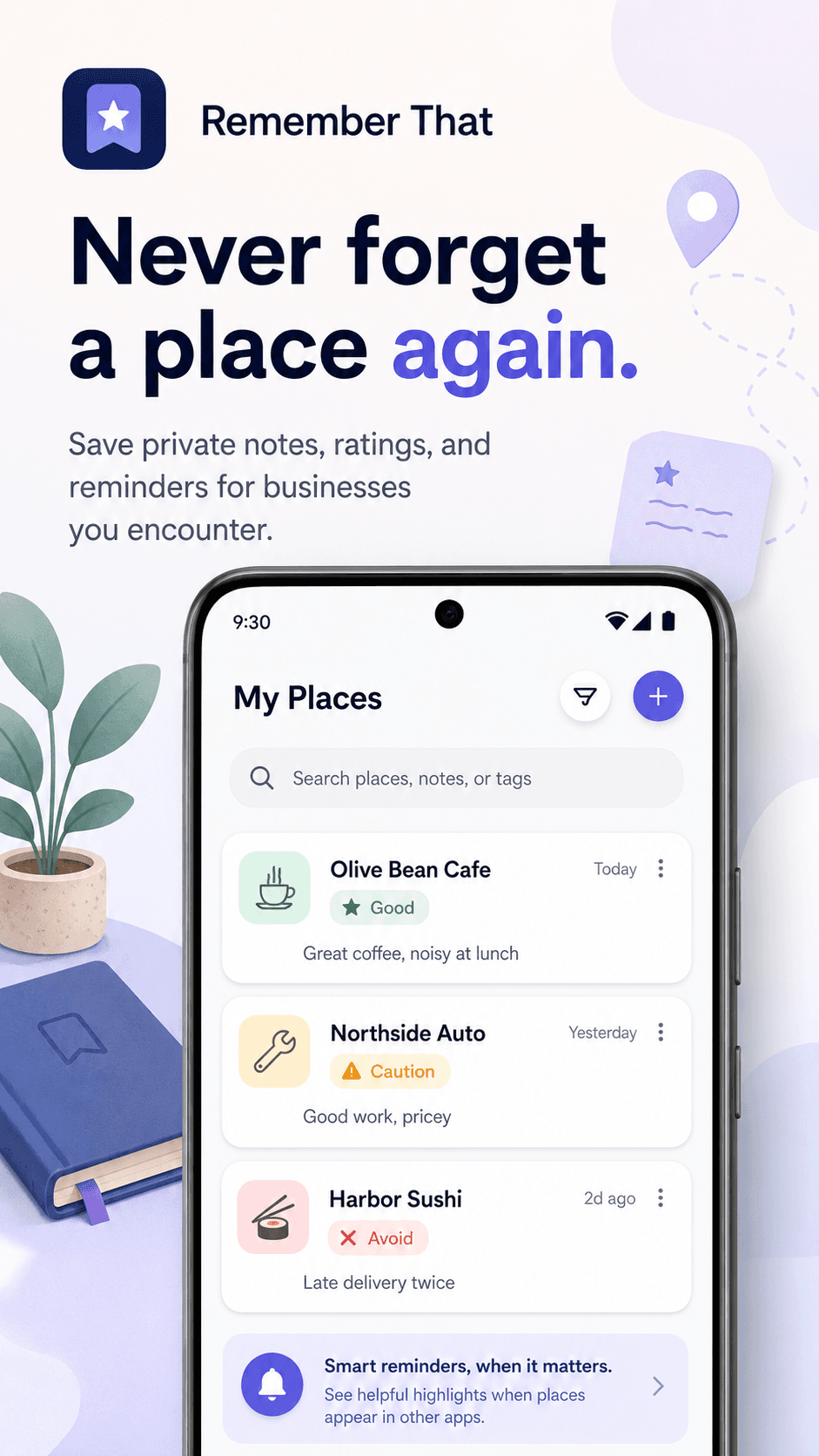
Save personal notes about restaurants, shops, services, employers, tutors, clinics, and more. When you check a name again, Remember That shows your own reminder.
Coming soon on Google Play
Why it exists
Restaurants, shops, companies, tutors, clinics, developers, and services appear again and again. Remember That gives you a private place to store what happened last time, so you do not repeat the same mistake.
Keep a clear record of slow, rude, expensive, or unreliable experiences.
Remember the places and people that were worth choosing again.
Save aliases and familiar names so you can recognize them later.
Features
Add a name, rating, category, aliases, and your own note.
Paste, share, or select text to check whether it is already in your list.
Optional Android smart detection can remind you when a saved name appears on screen.
Your notes are stored on your device.
Restaurants, services, tutors, clinics, employers, property, travel, shops, and more.
Keep a backup of your private list.
How it works
Add a business, place, service, or company.
Mark it as Favorite, Good, Neutral, Be Careful, or Avoid.
Use Quick Check or optional Smart Detection when the name appears again.
Privacy-first
Remember That is designed for personal notes, not public reviews. Your saved names and notes stay on your device. There is no account, no social feed, no ads, and no product analytics.
Use cases
Restaurants and delivery places
Tutors and kids' activities
Clinics and doctors
Shops and online stores
Employers and interviews
Local services
Travel and hotels
Any place you want to remember
Pricing
Lifetime Pro - one-time purchase
FAQ
No. Remember That is for your own private notes. Your ratings are not public.
No. It is local-first and stores your notes on your device.
Smart Detection needs Accessibility permission to check visible screen text for names you have saved. It uses this only to show your own reminder.
Yes. You can use manual search, Quick Check, selected text, sharing, and clipboard-based checking without Smart Detection.
No. Remember That does not click buttons, fill forms, automate actions, or control other apps.
No. You can export and import your data if you want to keep a backup or transfer to another device.
Privacy Policy
Effective date: 24/05/2026
Remember That is a private notes app for businesses, places, services, and companies.
The app stores the notes you create locally on your device.
Remember That does not require an account, does not include ads, does not sell personal data, and does not use product analytics.
The app uses Firebase Crashlytics to collect limited diagnostic information when the app crashes or encounters certain stability problems. Crash reports may include crash stack traces, relevant app state, device and operating system information, app version, timestamps, and app installation identifiers used by Firebase to group and measure crashes. This information is used to diagnose and fix app stability issues and is not used for advertising. Your saved names, notes, imported files, exported files, and screen content are not intentionally included in Crashlytics reports.
Crashlytics is provided by Firebase, a Google service. Firebase may process this diagnostic data according to its own terms and privacy/security documentation, and Firebase states that Crashlytics crash traces and associated identifiers are retained for 90 days before removal begins.
If you enable Smart Detection, the app uses Android Accessibility permission to detect names you saved when they appear as visible text on your screen. This is used only to show your own private reminder. The app does not upload screen content, does not store arbitrary screen text, does not read passwords, does not perform clicks, and does not control other apps.
If you use Quick Check, selected text, shared text, links, or copied text may be checked locally against your saved names. This matching happens on your device.
Import and export features are controlled by the user.
For support, contact: support.incode@gmail.com
Terms
Remember That is provided as a personal productivity utility. You are responsible for the notes you create and the decisions you make using the app. The app is provided without warranties. Features may change over time. The app may process limited crash diagnostic data as described in the Privacy Policy.